Not every spec belongs in a commit
Think, explore, and iterate on Markdown specs without repository pressure. Share drafts safely across teams and reuse specs across projects
works with VSCode, Cursor, Antigravity
How mdspec Works
A seamless extension of your development environment
IDE Extension
Write & edit locally
mdspec Platform
Centralized storage
Team IDEs
Accessible everywhere
📝Markdown-Native
Write md files in markdown with YAML frontmatter for metadata. Portable and version-control friendly.
🔄Revision Tracking
Every change creates a snapshot. Compare revisions, restore previous versions. Works parallel to Git, not integrated.
💬Section Comments
Anchor discussions to specific sections. Threaded comments, @mentions, and resolution tracking.
🤝Sharing & Linking
Share and link md files across independent repositories — no monorepos, no copy-pasting. Ideal for cross-team communication and agentic development workflows.e.g., Compliance, Security Modelling, Marketing, and syncing API docs across Frontend & Backend repos.
☁️Cloud-Stored md files
Keep your repository lean — store md files in mdspec instead of the repo. As docs grow, download only what you need, when you need it.e.g., Pull the latest API md file directly from mdspec when needed and remove it from repo when you are done.
🧩Cohesive IntegrationsON REQUEST
Position MDSpec as your md files central. An agentic template layer transforms and integrates documents into any external tool.e.g., Task templates for ClickUp, Analysis on a md file posted to another tool.
Integrated Directly In Your IDE
Experience native performance and capabilities right within your favorite editor, seamlessly blending your documentation workflow with your code.
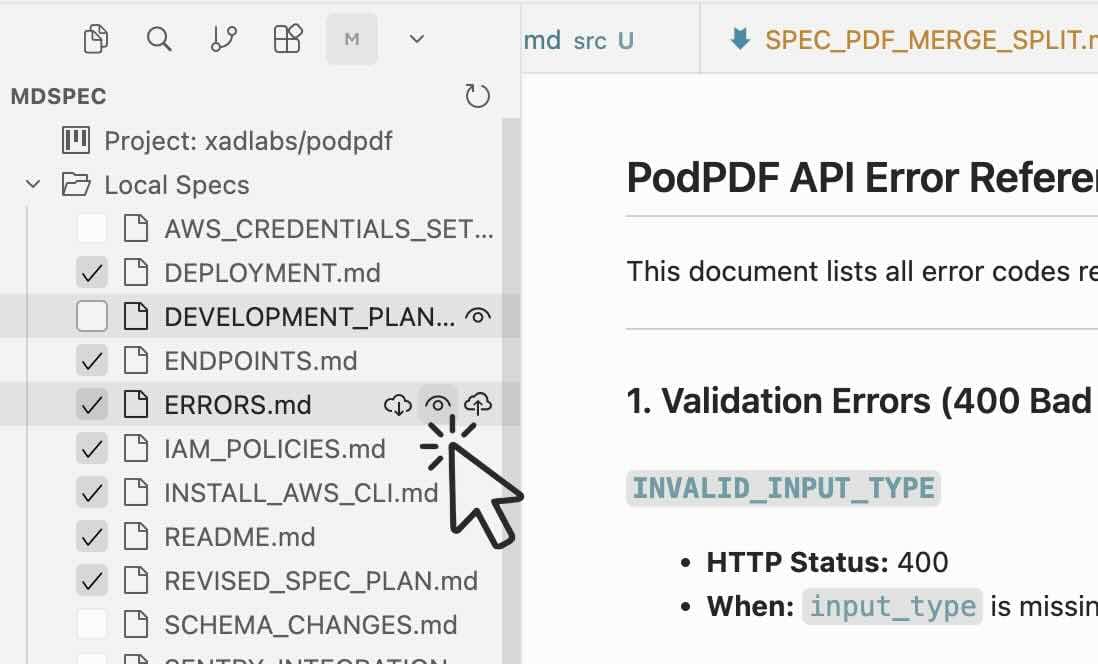
Seamless Workspace Sync
Download, upload, and instantly preview markdown files directly in your IDE.
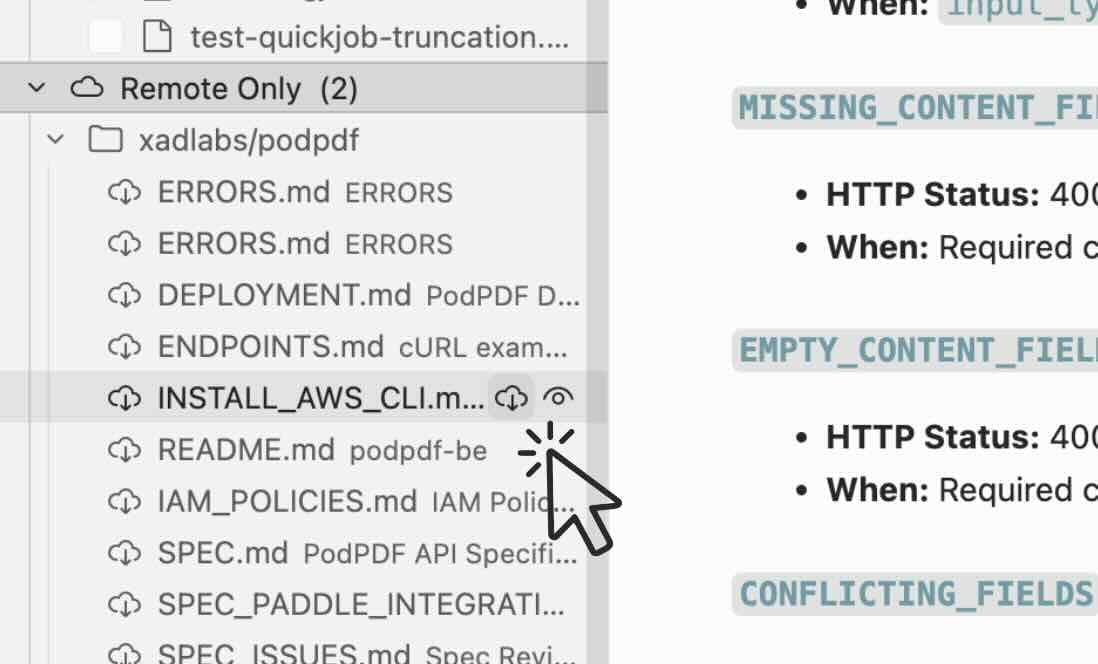
Project-Specific Context
Access and pull files from your active project with a live, integrated preview.
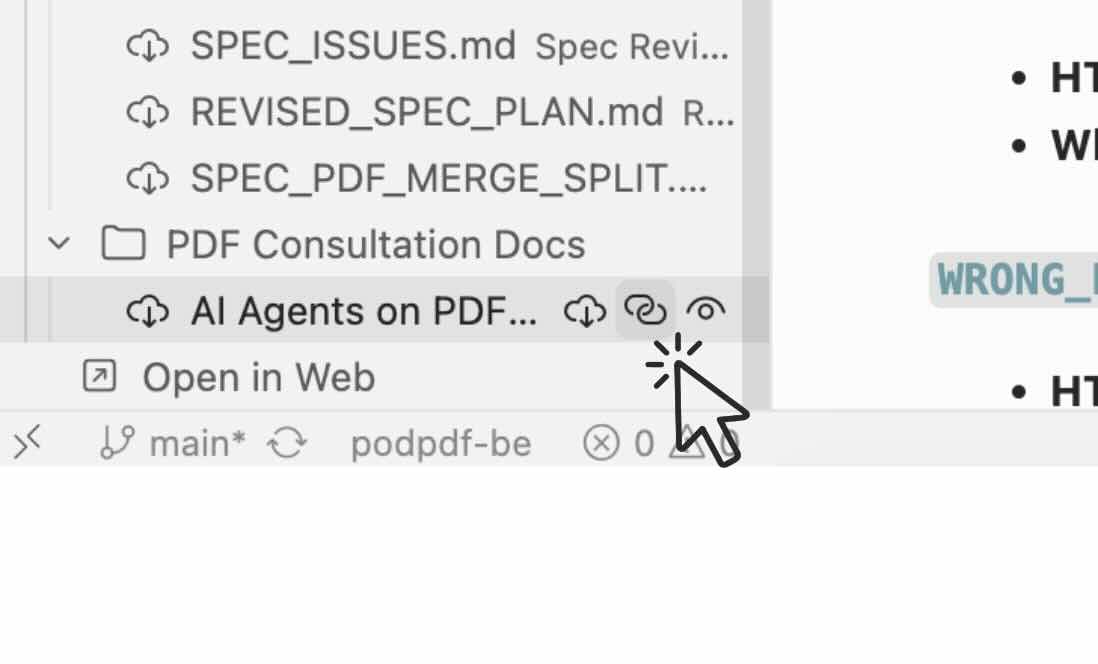
Cross-Project Referencing
Seamlessly link and reference files across different projects without leaving your editor.
Team Collaboration & Conflict Resolution
Never overwrite your team's work manually again. Resolve markdown conflicts with a powerful native diff-viewer built right into your IDE.
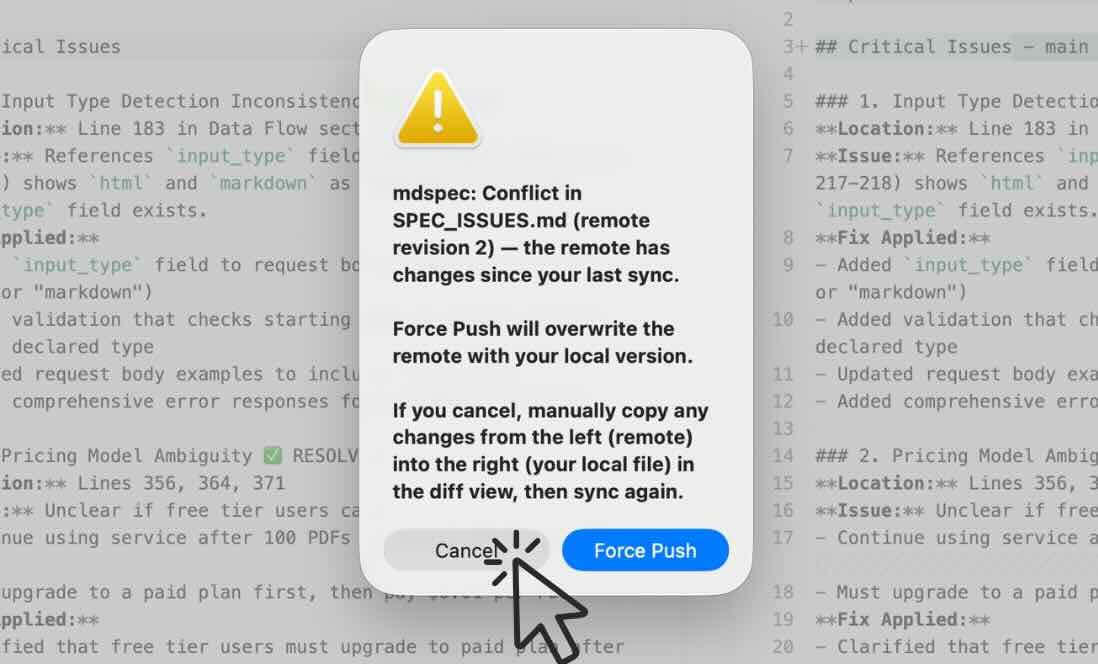
When there is a conflict
Instantly identify and manage conflicts directly within your editor before syncing.
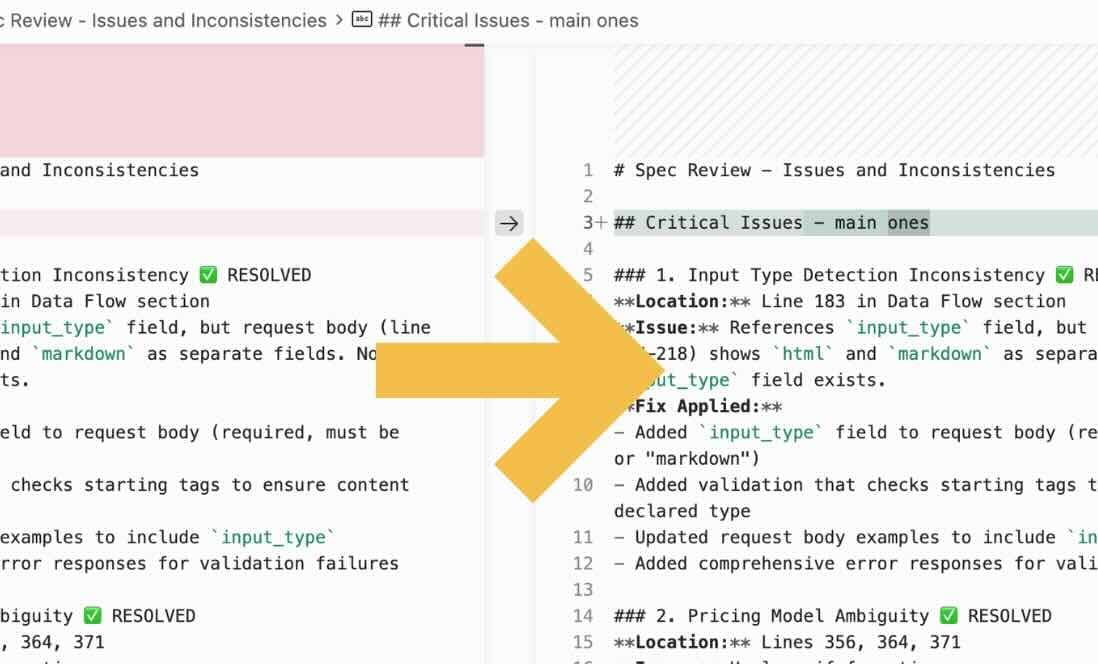
Do the changes on the right panel and click push again
Use the integrated diff viewer to review remote changes and apply your fixes.
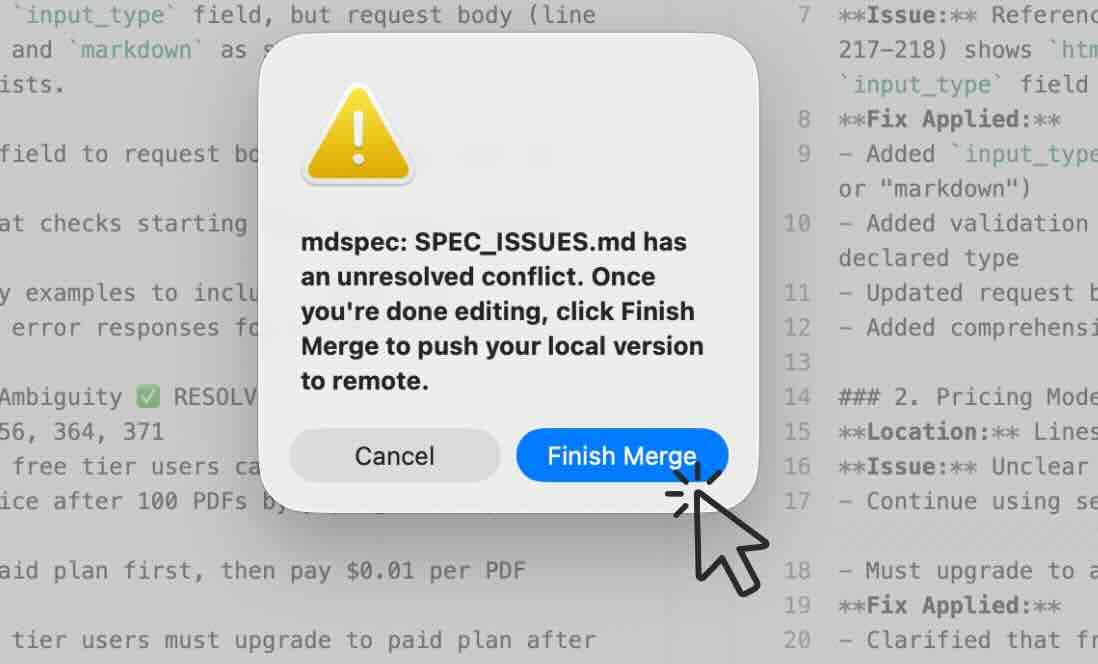
Finish merging to complete the merge
Resolve all conflicts safely and push your final unified version to the team.
Frequently Asked Questions
Everything you need to know about mdspec and your workflow.
Can I use mdspec alongside Git?
Absolutely. mdspec is designed to work in parallel with Git, not replace it. You can sync your specs anytime without headaches. It's the perfect companion for keeping your repository focused on code while mdspec handles the documentation lifecycle.
Do I have to commit every spec to my repo?
No, and that's the beauty of it. You can explore, draft, and iterate on new specs in mdspec without cluttering your Git history with "WIP documentation" commits. Keep your codebase clean and only pull or commit what is absolutely necessary for the build.
How does mdspec help with AI and Agentic workflows?
AI agents perform best when they have access to clear, structured specifications. By centralizing your specs in mdspec, you provide a stable "source of truth". When an agent needs context, you can simply pull the relevant spec directly into your repository to refer to it, without them having to hunt through complex directory structures or unrelated code files.
Is there a native developer experience?
Yes. With our VS Code extension, you can manage your specs directly from your editor. You get the benefits of a cloud-based management platform with the speed of local development.
Does deleting a spec from my IDE delete it from mdspec?
No, it doesn't. When you delete a local file, the version stored in mdspec remains safe. This is by design, allowing you to treat mdspec as a redundant cloud copy that you can pull back anytime or view in the browser even after local cleanup.